How to Fix Globe SIM No Signal Issue?: No Service Troubleshooting
Experiencing no signal on your Globe SIM? “No Signal” or “No Service” on your Globe SIM is a common issue in 2026, but it can usually be fixed in minutes. The most common causes are weak coverage, SIM not properly inserted, wrong network settings, or the SIM not being fully registered.
Reset Network Settings: To reset network settings on android or iPhone:
Android: Settings > System > Reset > Reset Network Settings
iPhone: Settings > General > Reset > Reset Network Settings
Check SIM Status & Registration
Open the GlobeOne App and look for a “Globe SIM Registered” badge or account status.
Or go to new.globe.com.ph/simreg, enter your number, and check status.
If it shows “Not Registered” complete registration first.
Test the SIM
Insert your Globe SIM into another phone.
If it works the no signal problem is with your original phone.
If it still shows no signal then the Globe SIM may need replacement.
For eSIM Users
Open GlobeOne App and click on SIM Services then select eSIM.
Check status and re-download the eSIM profile if needed.
Go to phone Settings and tap on cellular/mobile data and add eSIM or transfer eSIM.
Check the SIM on Another Phone: Insert the Globe SIM into a different phone to check if the issue is with the SIM or your device.
Check if the SIM is Active: Dial *143# to check your SIM status. If it’s inactive, you may need to replace it.
Replace the SIM Card: If your SIM is damaged, visit a Globe store for a SIM replacement.
When to Contact Globe Customer Support?
If none of the troubleshooting steps work, it’s best to contact Globe for assistance. You should reach out if:
Your SIM card is active, but there is still no signal.
The issue has lasted for more than 24 hours.
You suspect that your account has been suspended due to unpaid bills.
How to Contact Globe Support:
Globe mobile: Dial 211 for free
Landline: Dial (02) 7730-1000 for free
Globe Store: Visit the nearest Globe store for in-person support.
Conclusion
Globe SIM no signal issues are usually easy to fix with a simple restart, SIM reinsertion, or network setting change. In 2026, the GlobeOne App is one of the fastest ways to check your account status and fix problems.
If the issue continues after trying the steps above, your SIM may need replacement or there could be a temporary network outage. Contact Globe support or visit a store they can resolve most cases quickly. Stay connected and enjoy reliable Globe service.
Frequently Asked Questions
Common causes include poor coverage, wrong phone settings, SIM not inserted properly, expired load, or the SIM not being fully registered.
Restart your phone, reinsert the SIM, or check registration status in the GlobeOne App. If needed, visit a Globe store for replacement.
Not always. Try the troubleshooting steps first. If the SIM works in another phone, the issue is with your device.
Yes, if you have a dual-SIM phone, you can temporarily use another SIM. For long-term issues, consider a Globe 5G-ready SIM replacement.
No, it only resets Wi-Fi, mobile data, and Bluetooth settings. Your photos, apps, and files stay safe.
Looking to switch to DITO or get a new SIM card? Knowing the price and where to buy a DITO SIM card is essential for a smooth start. DITO Telecommunity offers affordable SIM cards with fast data speeds and reliable coverage across the Philippines. Explore this guide to learn about the current DITO SIM price…
Looking for the best TM promos in 2026? TM offers affordable call, text, and data bundles that fit every budget from daily All-Net Surf promos to monthly EasyPLAN and shareable SURF4ALL. Whether you need unlimited calls and texts or lots of data for social media and streaming, there is a perfect promo for you. In…
Keeping track of your balance is essential to ensure you have enough load for your communication and online needs. Whether you want to check your regular load, promos, or data balance, TNT offers quick and easy ways to stay updated. TNT (Talk ‘N Text) offers multiple ways to check your balance quickly and easily —…
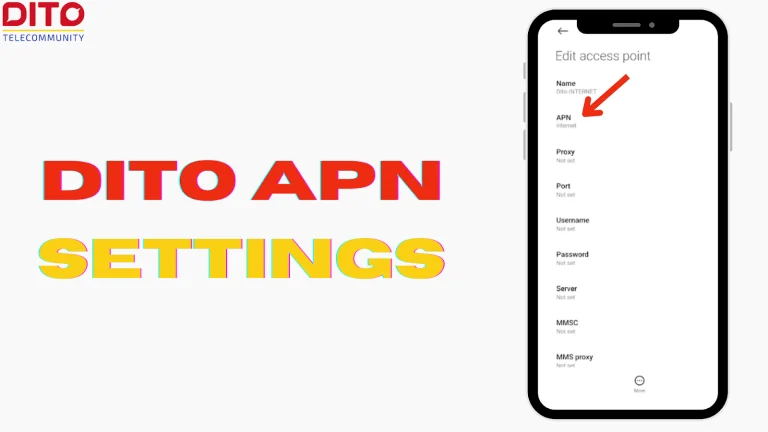
Access Point Name (APN) settings allow your device to connect to a mobile network and access the internet. If you’re a DITO Telecommunity user in the Philippines, having the correct DITO APN settings is essential for smooth mobile data and MMS functionality. Incorrect or missing APN settings may result in slow internet speeds or no…
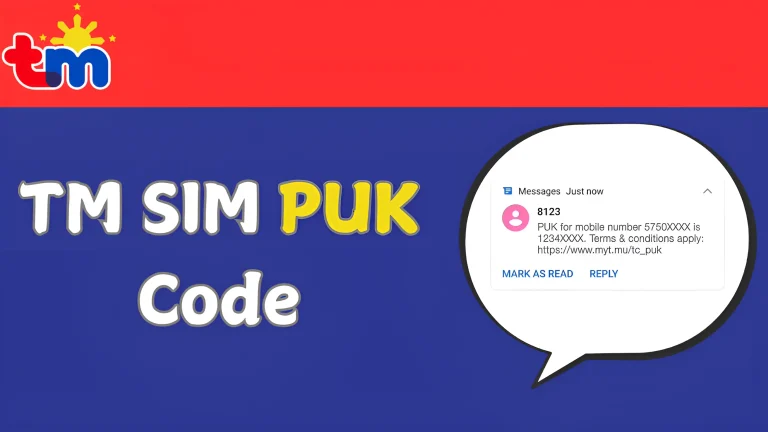
Entering the wrong PIN several times on your TM SIM card can lead to your SIM being blocked. When this happens, you will need a TM SIM PUK code to unlock your SIM and regain access to your mobile services. TM provides various ways to assist customers with this issue, including visiting the website (https://puk.myt.mu),…
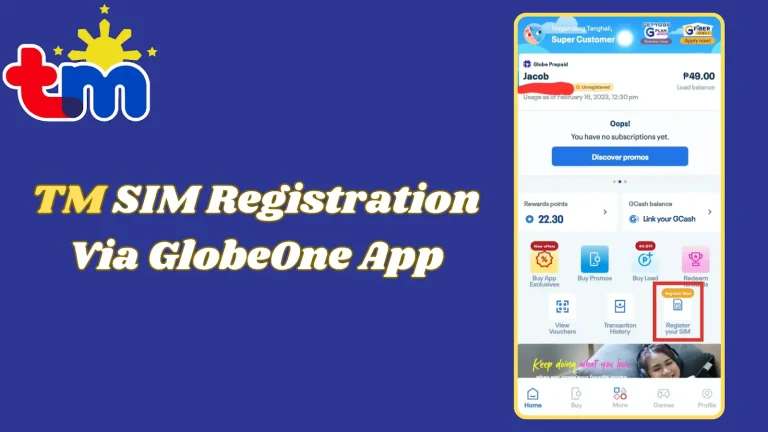
The SIM Registration Act (Republic Act No. 11934) in the Philippines requires all mobile users to register their SIM cards to prevent fraud, scams, and other cybercrimes. TM users can conveniently register their SIM using the GlobeOne app, eliminating the need for manual registration through a website or in-store process. Scroll down to see the…