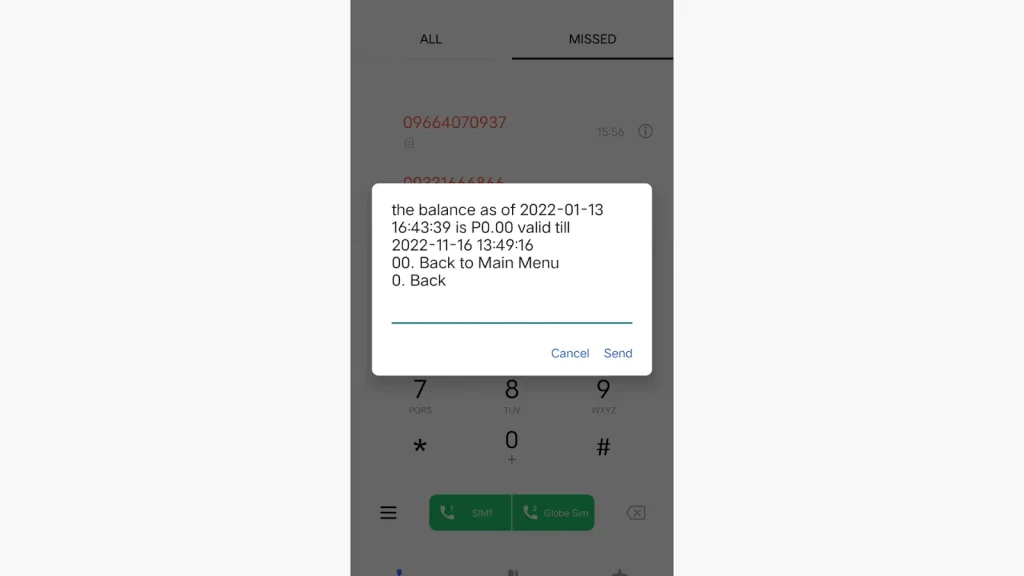
DITO Balance Inquiry

Staying updated with your mobile balance is essential to avoid unexpected service interruptions. If you’re a DITO Telecommunity user, checking your balance is quick and easy. DITO offers several ways for users to monitor their remaining load or data balance, such as using the mobile app or dialing a USSD code, ensuring you always stay connected.

Here’s a simple guide to help you check your DITO sim balance easily!

Methods for DITO Balance Inquiry

DITO provides multiple ways to check your balance. Whether you prefer using the mobile app, dialing a code, or visiting their website, you can easily find out how much load or data you have left.

Below is a step-by-step guide on each method.

DITO Balance Inquiry Mobile App

The DITO App is the most convenient way to check your balance and manage your account. Here are the steps to check your balance using the app:

Download the DITO App

Ensure you have the DITO App installed on your smartphone. You can download it from the Google Play Store (for Android) or the Apple App Store (for iOS).
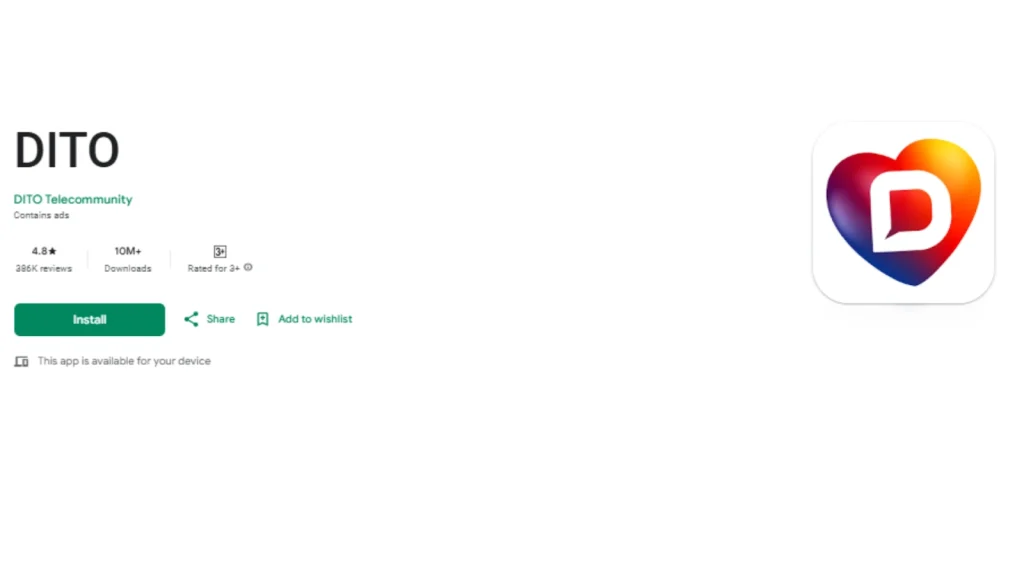
Download the DITO App

Log In to Your Account

Open the app and log in using your 11-digit DITO number and the OTP (One-Time Password) sent to you.

View Your Balance: 

Once logged in, your balance will be displayed on the app’s homepage. You can see your load, data, and any active promotions.
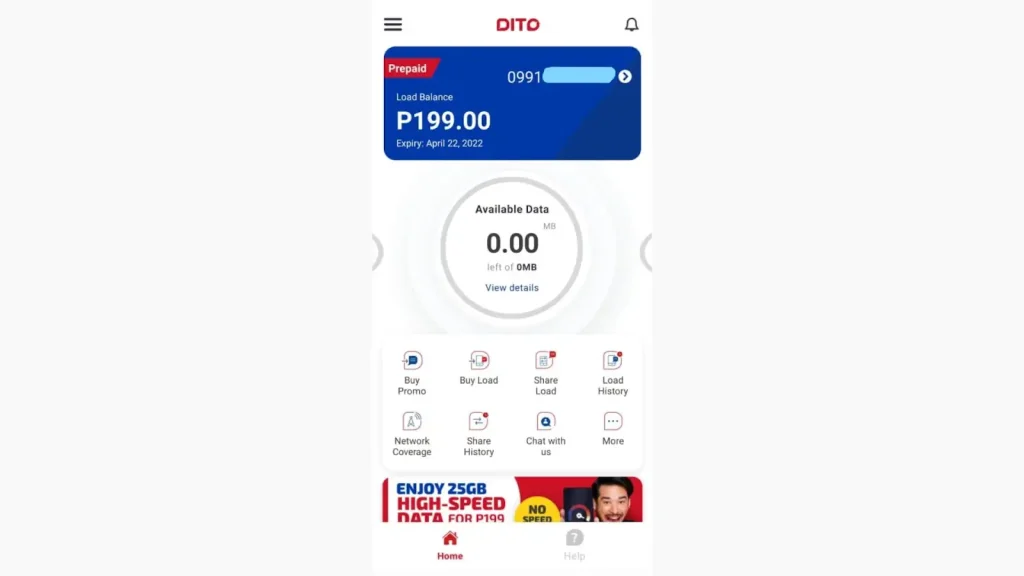
view your balance
  • The DITO App also allows you to reload your account, track usage, and access exclusive offers.

DITO Balance Inquiry Via Official Website

You can also check your balance by accessing the DITO website. Follow these simple steps:

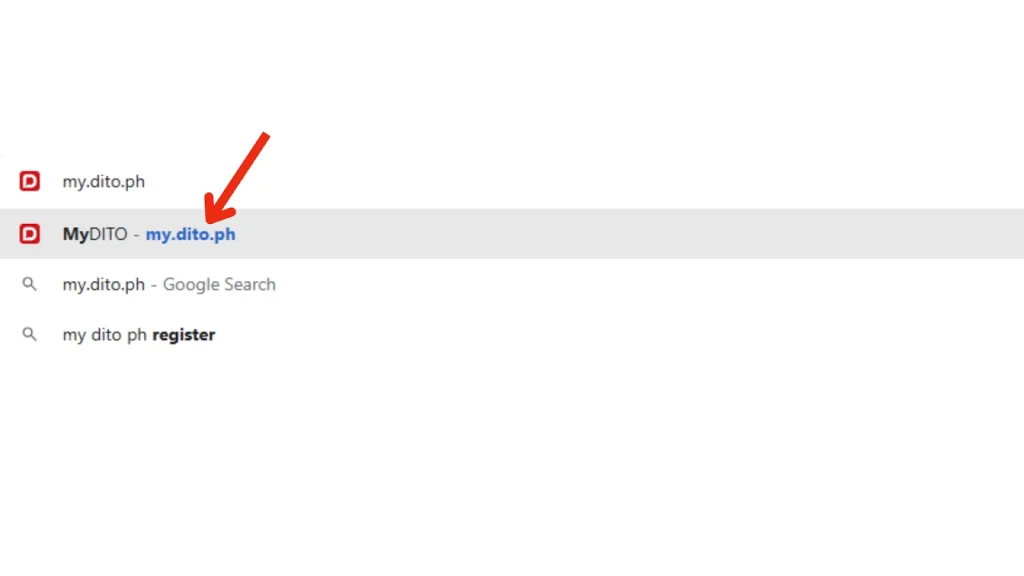
official website
DITO official website my.dito.ph
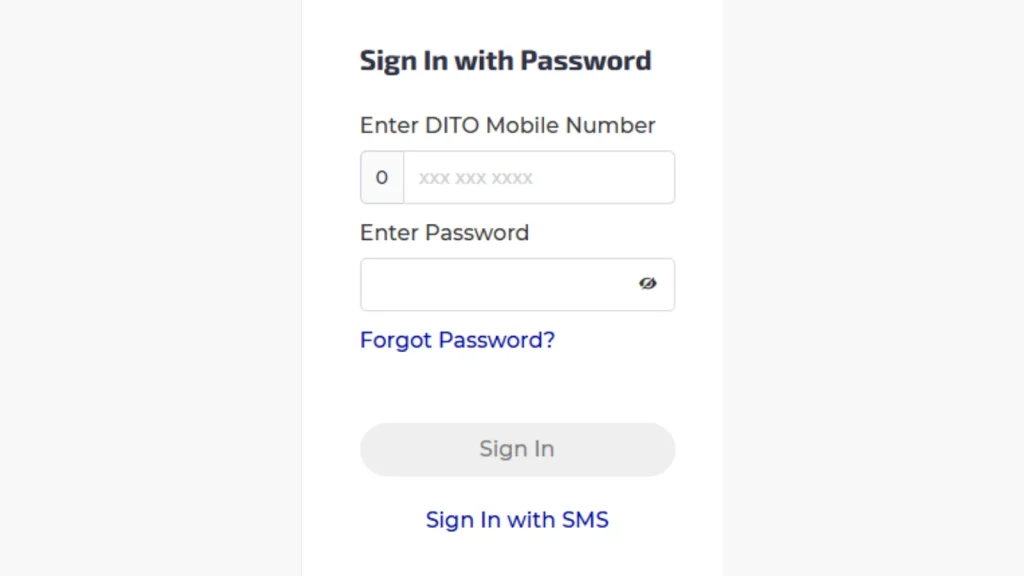
  • Click on the account login section and enter your DITO number and password.
log in using Dito number
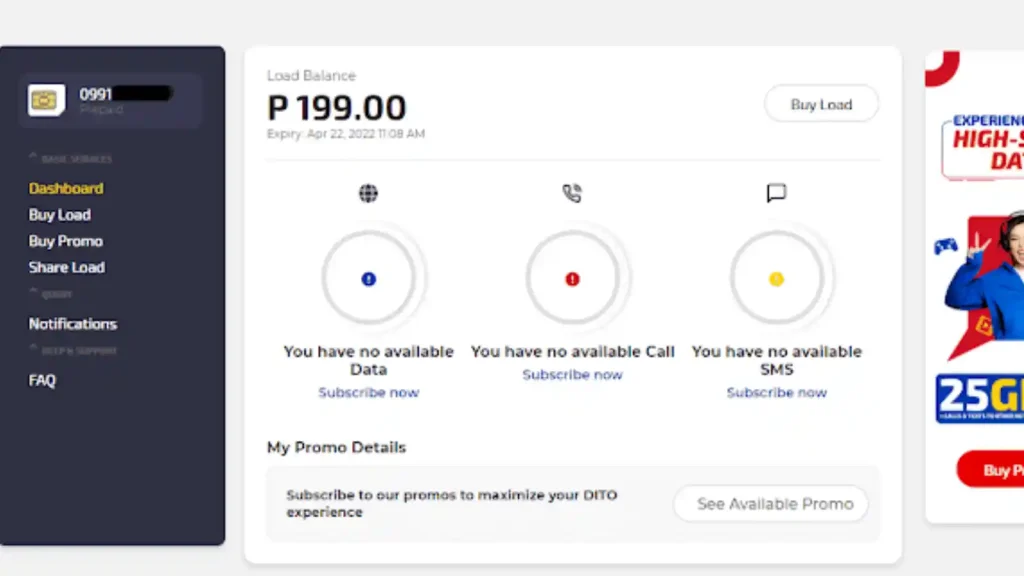
  • After logging in, your balance and other account details will be displayed on the dashboard.
dashboard

DITO Balance Inquiry Via SMS

To check your DITO balance via SMS, follow these steps:
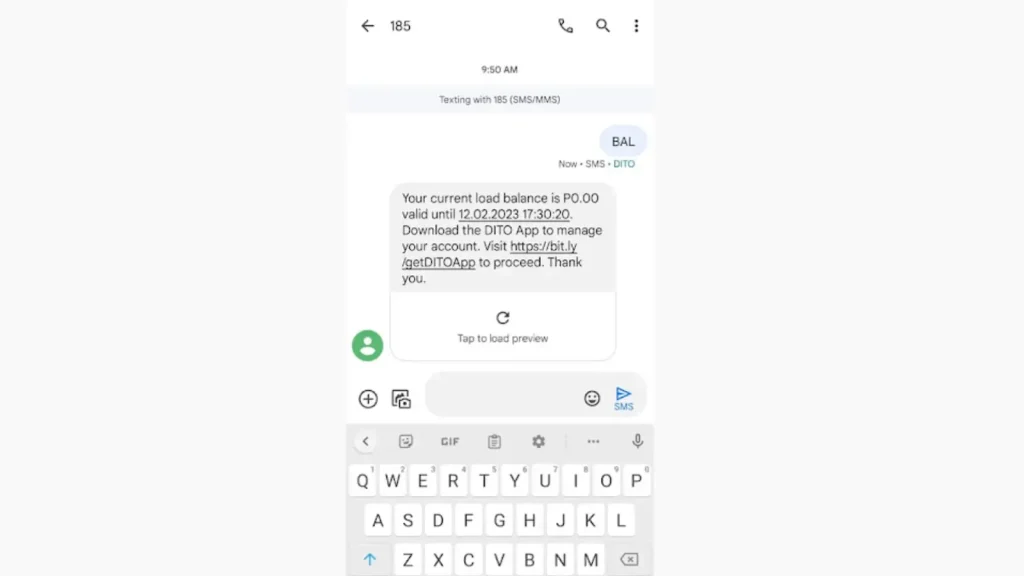
  • Open your messaging app.
  • Type BAL and send it to 185.
  • Wait for the confirmation message that will show your current load balance.
BAL

DITO Balance Inquiry Via USSD Code

Check DITO balance via USSD code is a most easiest and free method. Follow the steps below:

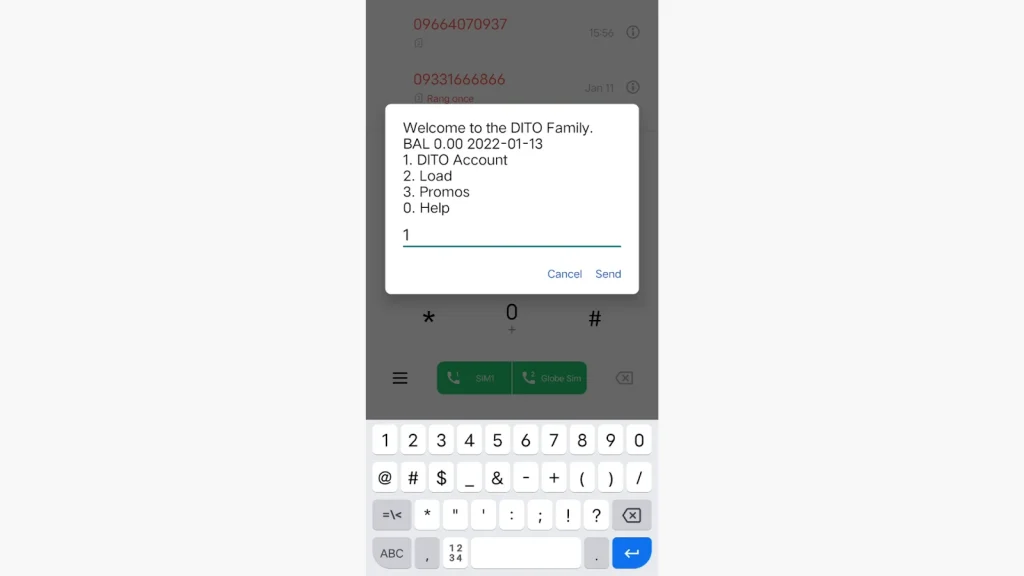
  • Open your phone dialer and dial *185#, then press the call button.
dial 185
  • From the main menu, type 1 to select DITO Account.
DITO Account
  • Then, type 1 to choose Load Inquiry and click Send.
Load Inquiry
  • Your current balance will appear on the screen.
current balance

Benefits of Checking Your DITO Balance

Regularly checking your DITO balance offers several advantages:

  • Avoid Service Interruptions: Ensure you always have enough load to make calls, send texts, or use mobile data.
  • Manage Usage Efficiently: Keep track of your data, call, and text usage to avoid unexpected charges.
  • Take Advantage of Promotions: Stay aware of your balance to use special offers and promos before they expire.
  • Plan Top-Ups in Advance: Monitor your balance to know when it’s time to reload, preventing last-minute issues.
  • Detect Errors Early: Quickly identify and report errors in your balance to customer support.

Common Issues with DITO Balance Inquiry

While checking your balance is an easy process, you can face some minor issues. Here are some common problems and their solutions:

  • App Not Loading: Ensure you have a stable internet connection and that the app is updated to the latest version.
  • Incorrect Balance Display: Log out and log back into the app to refresh your account information.
  • Login Issues: Double-check your phone number and OTP. If the problem persists, contact DITO customer support for assistance.

Conclusion

Checking your DITO balance is quick and easy, whether you use the DITO app, dial a code, or check via SMS. Staying updated on your balance helps you manage your data, calls, and texts more effectively.

Choose the method that works best for you and enjoy a hassle-free experience with DITO Telecommunity.


FAQs || YOU MAY WANT TO KNOW

No, checking your balance through the DITO App or website is completely free.

Yes, you can also check your balance via the SMS or by dialing USSD code *185#.

To check DITO balance via text, type BAL and send it to 185. Your SIM balance will appear on the screen. 

Try refreshing the app or logging in again. If the issue persists, reach out to DITO customer service for further assistance.

It’s a good idea to check your balance regularly, especially before making calls, sending messages, or using data services.

Similar Posts