How to Register TM SIM Via GlobeOne App
The SIM Registration Act (Republic Act No. 11934) in the Philippines requires all mobile users to register their SIM cards to prevent fraud, scams, and other cybercrimes. TM users can conveniently register their SIM using the GlobeOne app, eliminating the need for manual registration through a website or in-store process.
Scroll down to see the steps and register your TM SIM easily!
What is TM SIM Registration?
TM (Touch Mobile) is a prepaid mobile service under Globe Telecom, offering affordable call, text, and data promos. As part of government regulations, all TM users must register their SIMs to continue using their mobile services.
Why is SIM registration required?
Requirements for TM SIM Registration Via GlobeOne App
Before registering your TM SIM through the GlobeOne app, make sure you have the following:
Note: If you are a minor, your SIM must be registered under a parent or guardian’s name.
Accepted IDs for TM SIM Registration
TM SIM Registration Via GlobeOne App
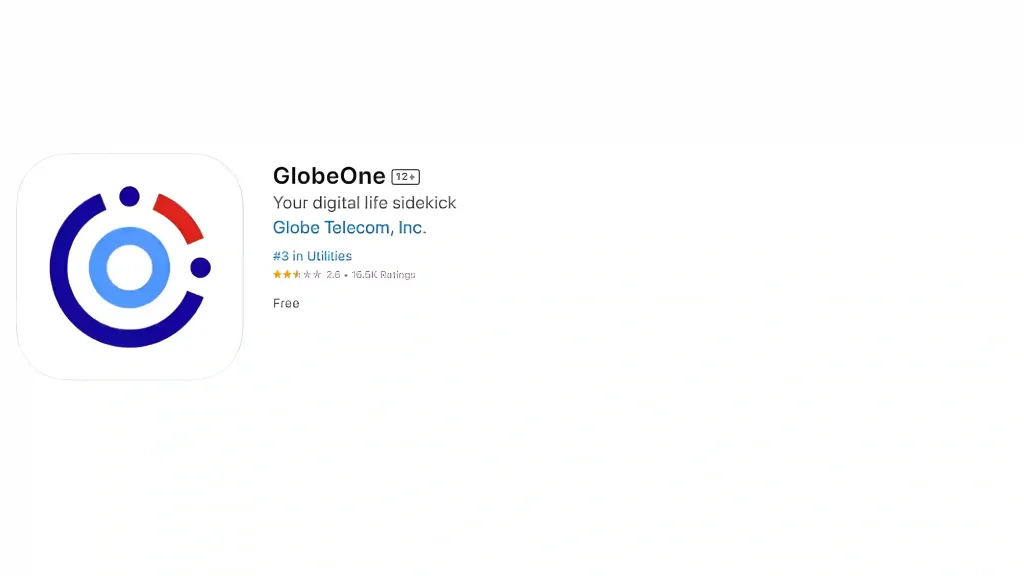
For Android users: Download from Google Play Store
For iPhone users: Download from the App Store
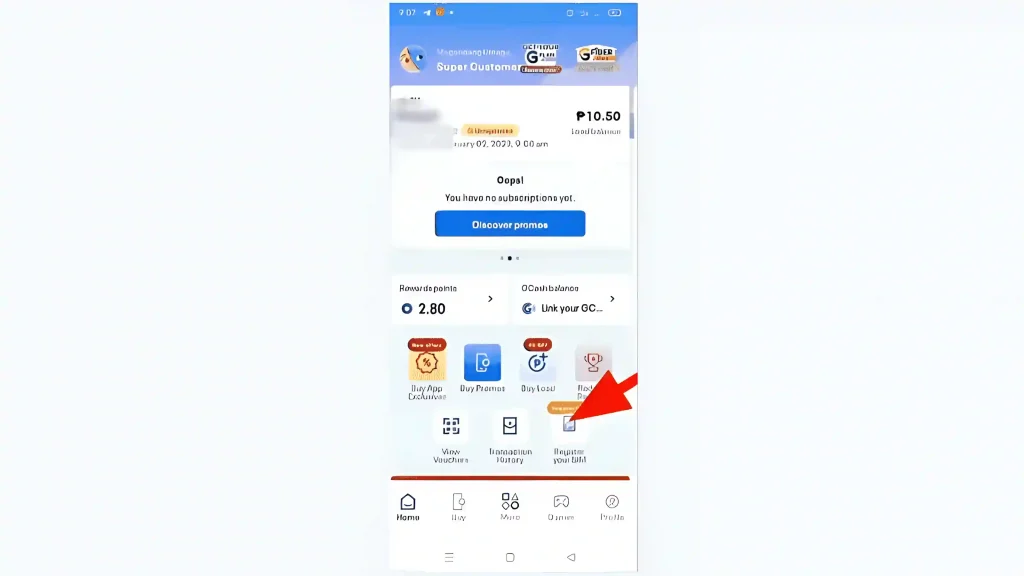
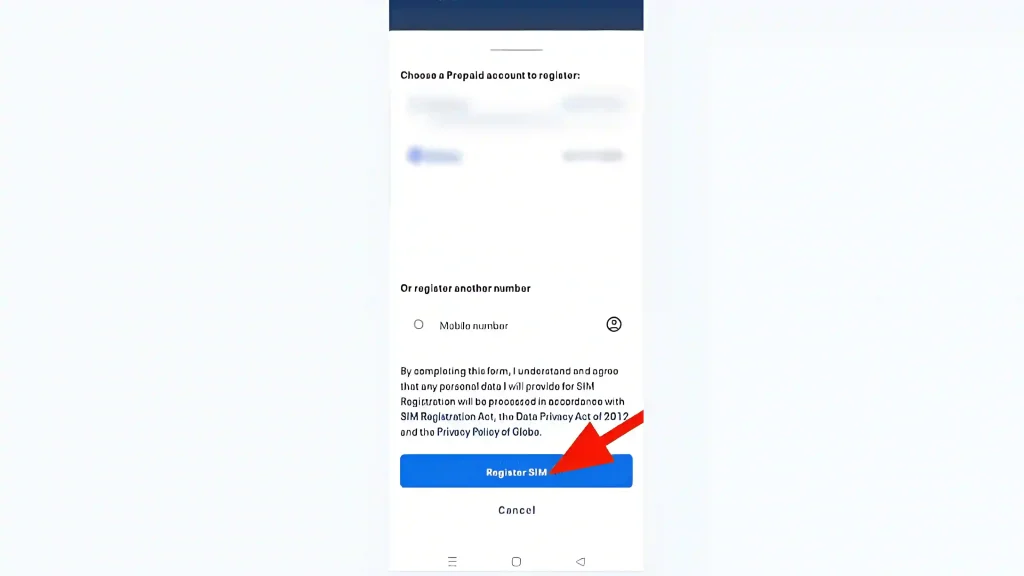


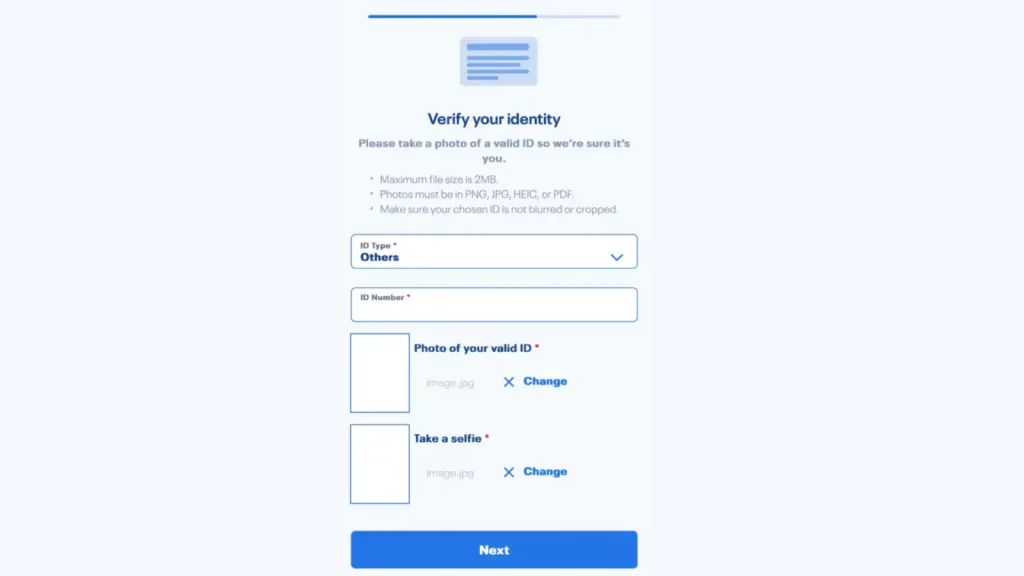

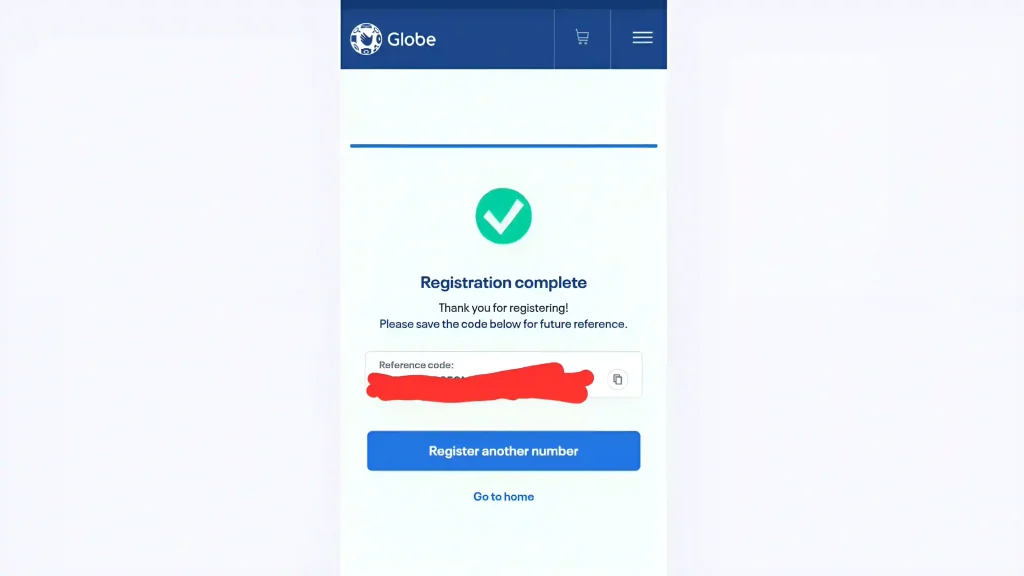
Your TM SIM is now successfully registered!
Conclusion
Registering your TM SIM via the GlobeOne app is a simple and efficient way to comply with the SIM Registration Act in the Philippines. Not only does it help ensure the security of your mobile services, but it also protects you from potential fraud and scams.
By following the steps outlined in this guide, you can easily complete your registration process using your phone, saving time and avoiding the hassle of in-store registration.