Globe retailers play a crucial role in providing prepaid load to customers across the Philippines. To continue selling loads, retailers need to ensure their Retailer Load Wallet has enough funds. One of the easiest and most convenient ways to reload your Globe Retailer Load Wallet is through GCash.
With GCash, retailers can fund their load wallet anytime and anywhere without the need to visit Globe stores or authorized payment centers.
Simply follow the steps below to add funds to your Retailer Load Wallet with ease!
What is a Globe Retailer Load Wallet?
A Globe Retailer Load Wallet is a digital wallet that allows authorized retailers to store funds for selling prepaid loads. Retailers use this wallet to buy prepaid credits at a discounted rate and resell them to customers. Keeping your load wallet funded ensures you can continuously provide load to your customers without interruptions.
Benefits of a Globe Retailer Load Wallet:
Enables retailers to sell loads conveniently.
Provides access to discounted prepaid load rates.
Allows easy reloads via digital platforms like GCash.
How to Fund Your Globe Retailer Load Wallet Using GCash?
To load your globe retailer wallet/SIM, follow these steps:
Open your phone’s browser (Google, Yahoo etc).
Search for “Globe Retailer” in the Google search bar.
Click on the first search result.
Next, enter your wallet’s mobile number.
On the official Globe website, choose the amount you want to purchase.
Click the GCash logo to proceed with the payment.
Click on the “Confirm” or “Next” button to proceed.
For login to pay with gcash, recheck your mobile number and click on the “Next” button.
Input your four-digit GCash MPIN, then click “Next”.
Click the pay button.
You will receive a notification once your Globe wallet has been successfully loaded.
How To Fund Globe Retailer Load Wallet Using GCash on GlobeOne App?
Open the GlobeOne app on your smartphone.
If you are not logged in, enter your login credentials or complete the Globe SIM registration process.
On the main dashboard, tap on “Buy Load.”
Select Load Wallet to specify that the transaction is for your Retailer Wallet.
Choose the retailer account or mobile number you want to load.
Enter the amount you want to add to your wallet, ensuring it meets the minimum load requirement.
Double-check the amount to avoid errors.
Select GCash as your preferred payment method.
A prompt will appear asking for your GCash MPIN—enter it securely.
Review the transaction details displayed on the screen.
Agree to the terms and conditions.
Tap “Next” or “Confirm” to process the payment.
You should receive an SMS confirmation once the funds have been successfully added to your Retailer Load Wallet.
Check your balance via the Retailer SIM menu or GlobeOne app to ensure the amount reflects correctly.
Why Use GCash for Funding Your Load Wallet?
GCash offers a seamless way to transfer funds to your Globe Retailer Load Wallet. Instead of going to a physical store or payment center, you can instantly reload using the GCash app on your phone.
Advantages of Using GCash for Load Wallet Funding:
Fast and convenient – No need to visit a Globe Business Center.
Available anytime, anywhere – Fund your wallet even outside business hours.
Secure transactions – Uses OTP and PIN verification for added security.
Instant confirmation – Receive an SMS once the transaction is successful.
Conclusion
In the Philippines, using GCash to load your Globe Retailer Load Wallet is an efficient and reliable solution for managing mobile load transactions. It provides Globe retailers with an easy, secure, and fast way to top-up their wallet and offer prepaid mobile services to customers without hassle.
Whether you’re new to GCash or an experienced user, loading your Globe Retailer wallet via the app is simple and convenient.
FAQs || YOU MAY WANT TO KNOW
Yes, aside from GCash, you can also load your Globe Retailer Wallet using over-the-counter payments or other electronic payment methods, but GCash offers the most convenient option for quick transactions.
Typically, there are no additional fees for loading your Globe Retailer Wallet using GCash.
You can check your Globe Retailer Wallet balance through the Globe Retailer portal or by logging into your account via the GlobeOne app.
The load should appear instantly after the transaction is confirmed. If there’s a delay, check your connection or wait a few minutes.
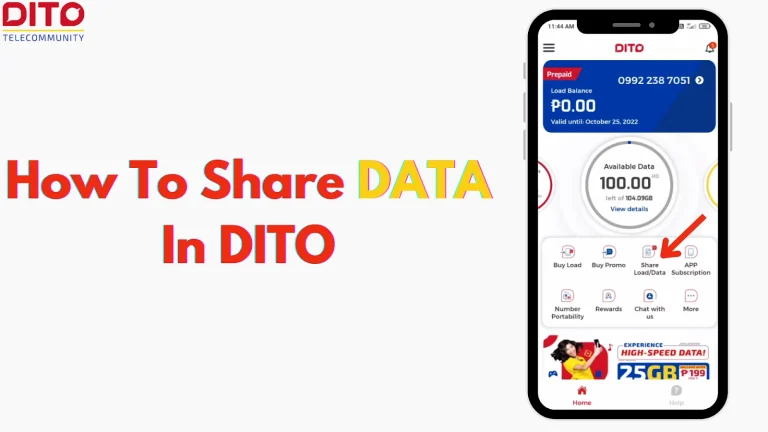
Sharing mobile data with others can be a convenient way to help friends and family stay connected. If you’re a DITO Telecommunity user, you could be thinking about how to share data in DITO easily. Whether you want to send extra data to someone or simply share your existing plan, the DITO app offers simple…
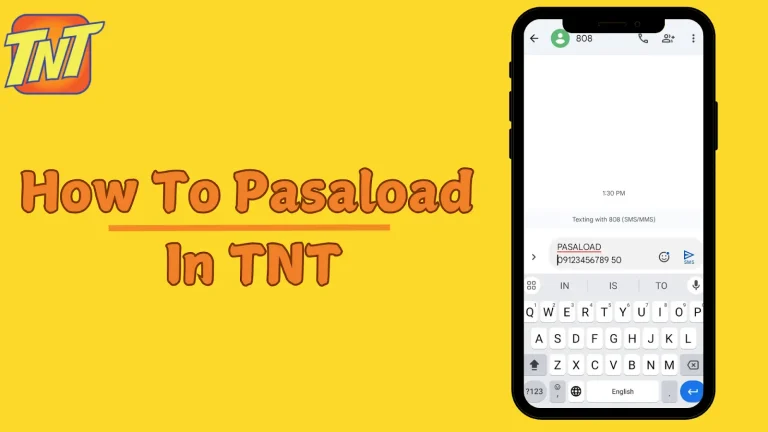
Pasaload is a convenient service that allows TNT users to share their prepaid load with others. Whether you want to help a friend in need or simply share extra load with family, the TNT pasaload process is quick and easy. You can share load by sending an SMS to 808 or dialing code *143#. For…
Skip to step-by-step guide GOMO Philippines · SIM Registration Guide 2026 How to Register Your GOMO SIM Card Online in the Philippines Under the SIM Registration Act, all GOMO SIM cards must be registered to stay active. Complete the process in under 5 minutes using the GOMO app on Android or iOS. No station visit,…
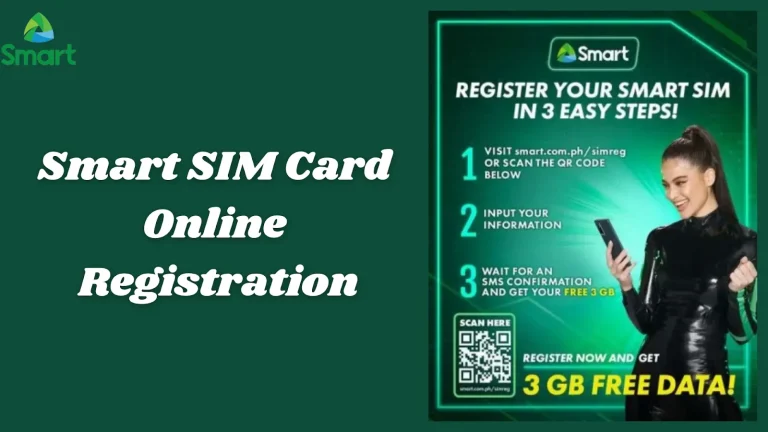
⚠️ Unregistered Smart SIMs will be permanently deactivated — register now to keep your number FREE · 2026 Smart Communications · SIM Registration Guide · Philippines Register Your Smart SIM CardFree, Online, Step by Step All Smart prepaid SIM cards must be registered under the SIM Card Registration Act. Unregistered numbers are permanently deactivated with…
Access Point Name (APN) settings allow your device to connect to a mobile network and access the internet. If you’re a DITO Telecommunity user in the Philippines, having the correct DITO APN settings is essential for smooth mobile data and MMS functionality. Incorrect or missing APN settings may result in slow internet speeds or no…
Ever faced a situation where you ran out of load at the most inconvenient time? After registered your globe sim, Globe has loan offers that sound perfect, but sometimes they don’t work out. This happens because not everyone can borrow loads. Then, how to loan load in globe. In this blog, we’ll explain how to…