How To Register DITO SIM promo
If you’re a DITO user looking to enjoy affordable calls, texts, and data, registering for a DITO SIM promo is a smart choice. Many users face confusion when trying to register for promos, especially with the different options and steps involved. The good news is that registering for a DITO SIM promo is quick and easy if you follow the correct process.
Follow this guide to learn how to register a DITO SIM promo easily!
Methods To Register For DITO SIM Promo
There are multiple ways to register a DITO SIM promo, including the DITO App, text messaging, the DITO website, and authorized retail stores.
Here’s how to do it:
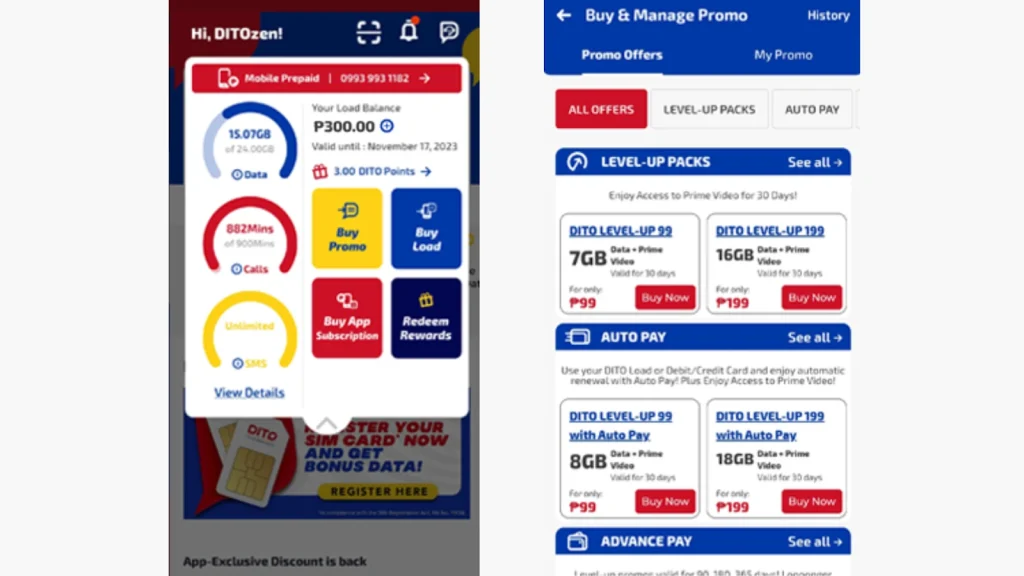
Register for DITO Promo Using the DITO App
The DITO App is the most convenient way to register a promo. Here’s how to do it:
Register for DITO Promo Through the DITO Website
You can also register for promos directly through the official DITO website:
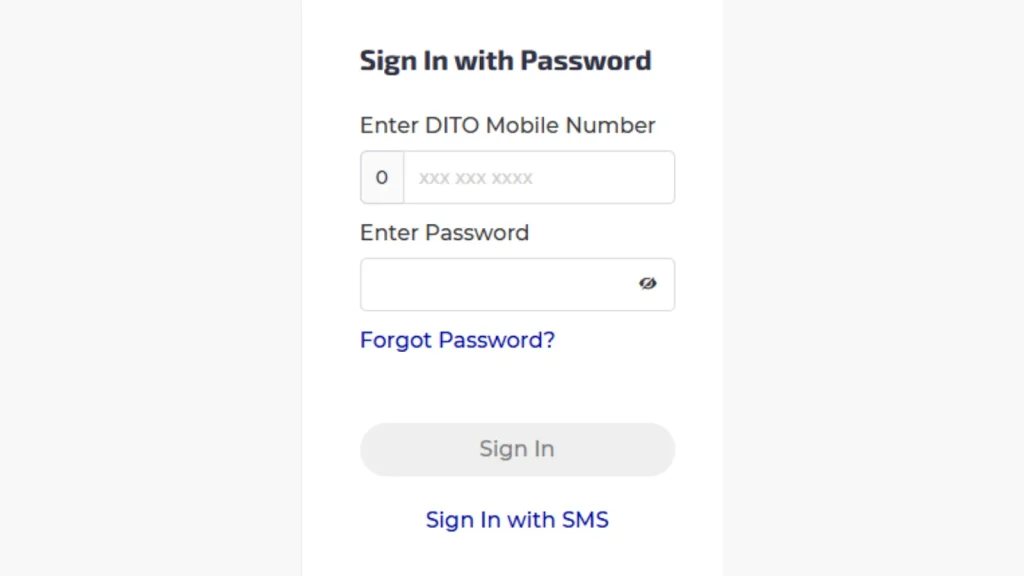
- Visit the DITO official website my.dito.ph
- Log in to Your Account by entering your DITO number and password.
- Browse the promo options and complete your purchase using your load or available payment methods.

- An SMS confirmation will notify you when the promo is successfully activated.
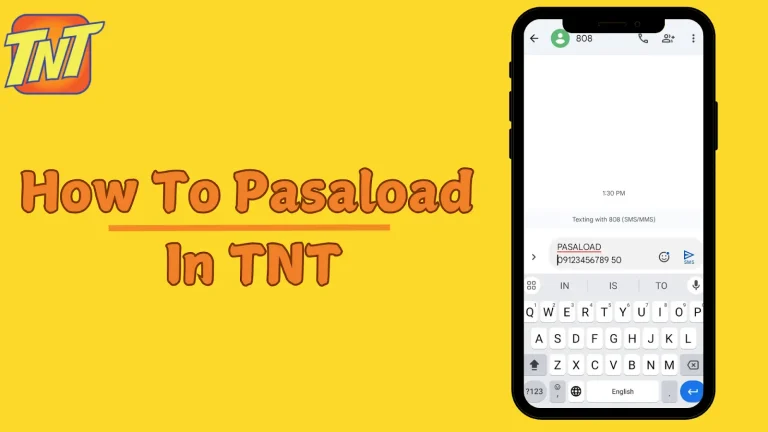
Register for DITO Promo Via Text Message
If you prefer to register without using the app, you can do so via SMS:
- Open the messaging app on your device.
- In the message body, type HELP and send it to 185.
- On the screen, you’ll see available promos. Reply with the promo code.
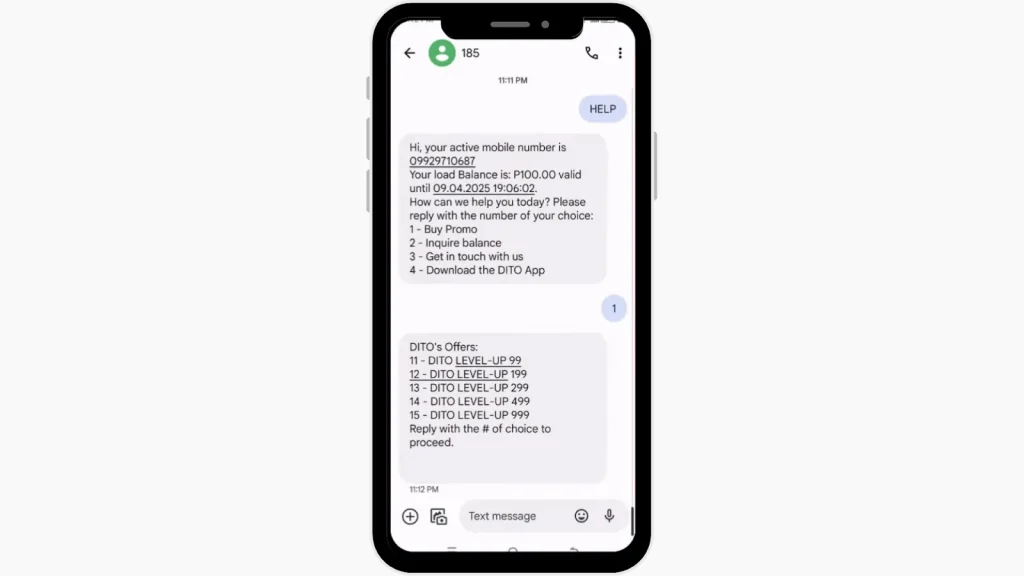
- You will receive a confirmation message once the promo is successfully registered.
Register for DITO Promo At Authorized DITO Retail Stores
You can also visit physical stores to register a promo:
- Find an authorized DITO retailer store near you. You can also check by clicking on this link https://dito.ph/experience-stores.
- Inform the cashier which DITO promo you want to purchase.
- Pay the required amount, and the retailer will process your promo registration.
- You will receive a confirmation message once the promo is activated.
Conclusion
Registering a DITO SIM promo in the Philippines is quick and simple. Whether you use the DITO app for convenience or prefer loading through retail stores, DITO offers a variety of promos that fit your communication and browsing needs. Stay connected and enjoy affordable services by exploring the latest DITO SIM promos!